Today dashboard
See the next useful task, exam pressure, revision signals, and study progress.
FEATURE GUIDE · FOCUS
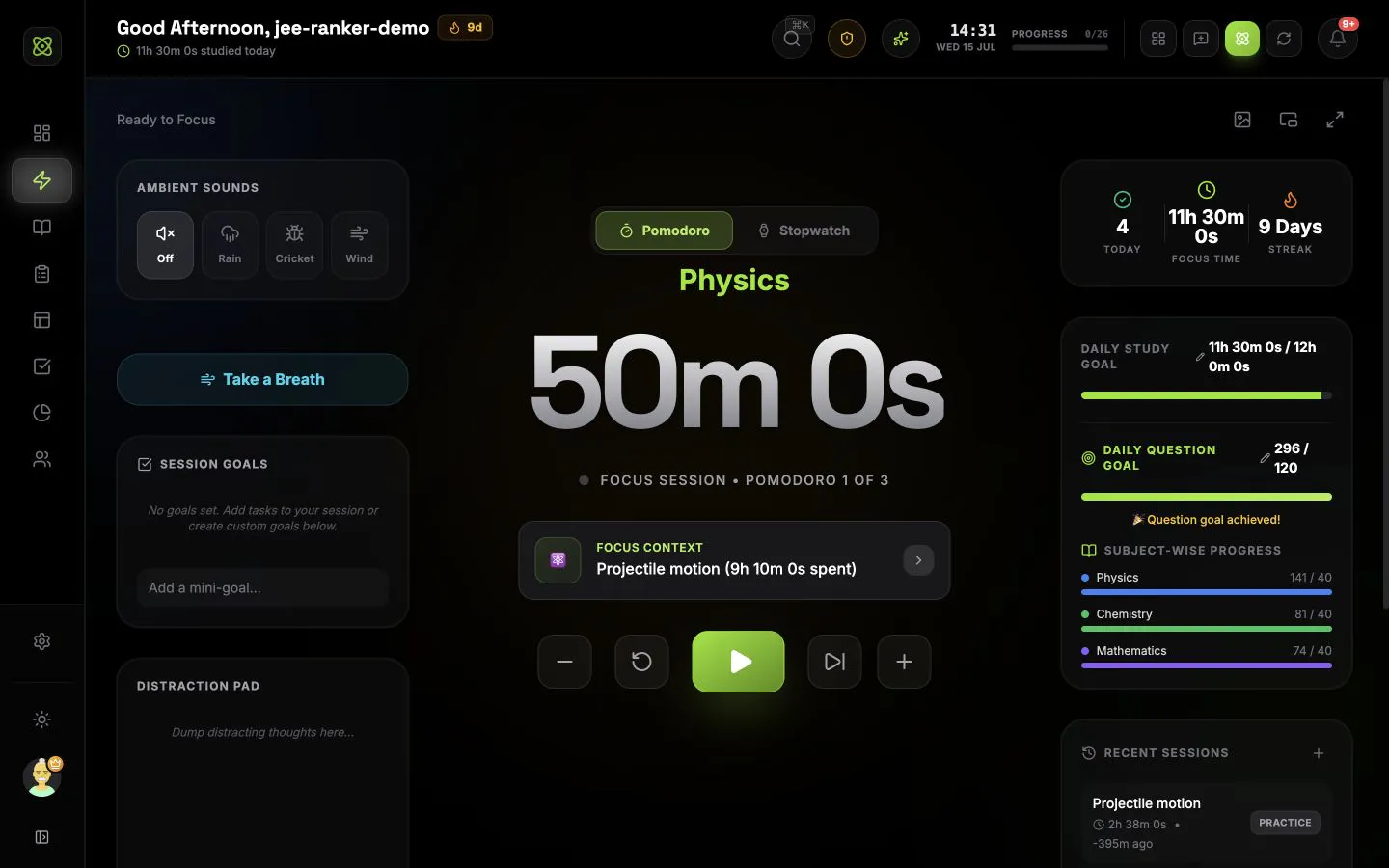
Run Pomodoro, stopwatch, or custom sessions with the task, subject, chapter, questions, pacing, and completed result kept together.
CONNECTED WORKFLOW
See the next useful task, exam pressure, revision signals, and study progress.
Turn chapters, mocks, habits, and revision into work you can schedule and start.
Track every subject, chapter, topic, revision date, and weak area in one map.
Connect countdowns, mocks, mapped syllabus, scores, mistakes, and readiness.
Shape the next seven days from real deadlines, coverage, recall, and study history.
Understand time, questions, subjects, mocks, consistency, and focus quality.
Share today with trusted buddies and join exam groups ranked by exact focus time.
COMMON QUESTIONS
A session can carry its task, subject, chapter, and topic with it. When the session is complete, that record can update task time, syllabus study maps, daily goals, analytics, and live community presence instead of leaving the time in a separate timer app.
Yes. Use Pomodoro for planned focus and break intervals, or use the stopwatch when you want an open-ended session. Pomodoro controls also let you add or remove five minutes, skip a phase, reset, pause, and complete the session.
Yes. Question-enabled focus types can track attempted, correct, incorrect, and skipped questions, a target count, average time per question, and whether you are on pace. You can undo the last result and use keyboard shortcuts while the timer runs.
Yes. Question time nudges can use three custom time thresholds, your own messages, and optional sound. The per-question clock resets when you mark a question correct, incorrect, or skipped, and the Focus page can offer to turn nudges on during a long question.
Yes. The global timer continues when you move around IsotopeAI, and the sidebar shows the active session. Supported browsers can also open a small Picture-in-Picture timer with optional question controls.
You can change focus and break lengths, long-break frequency, auto-start breaks, daily goals, late-night day boundaries, focus types, question targets, pause and completion prompts, sounds, notification behaviour, Picture-in-Picture question controls, and a local-only background image with adjustable blur.