Today dashboard
See the next useful task, exam pressure, revision signals, and study progress.
FEATURE GUIDE · ANALYTICS
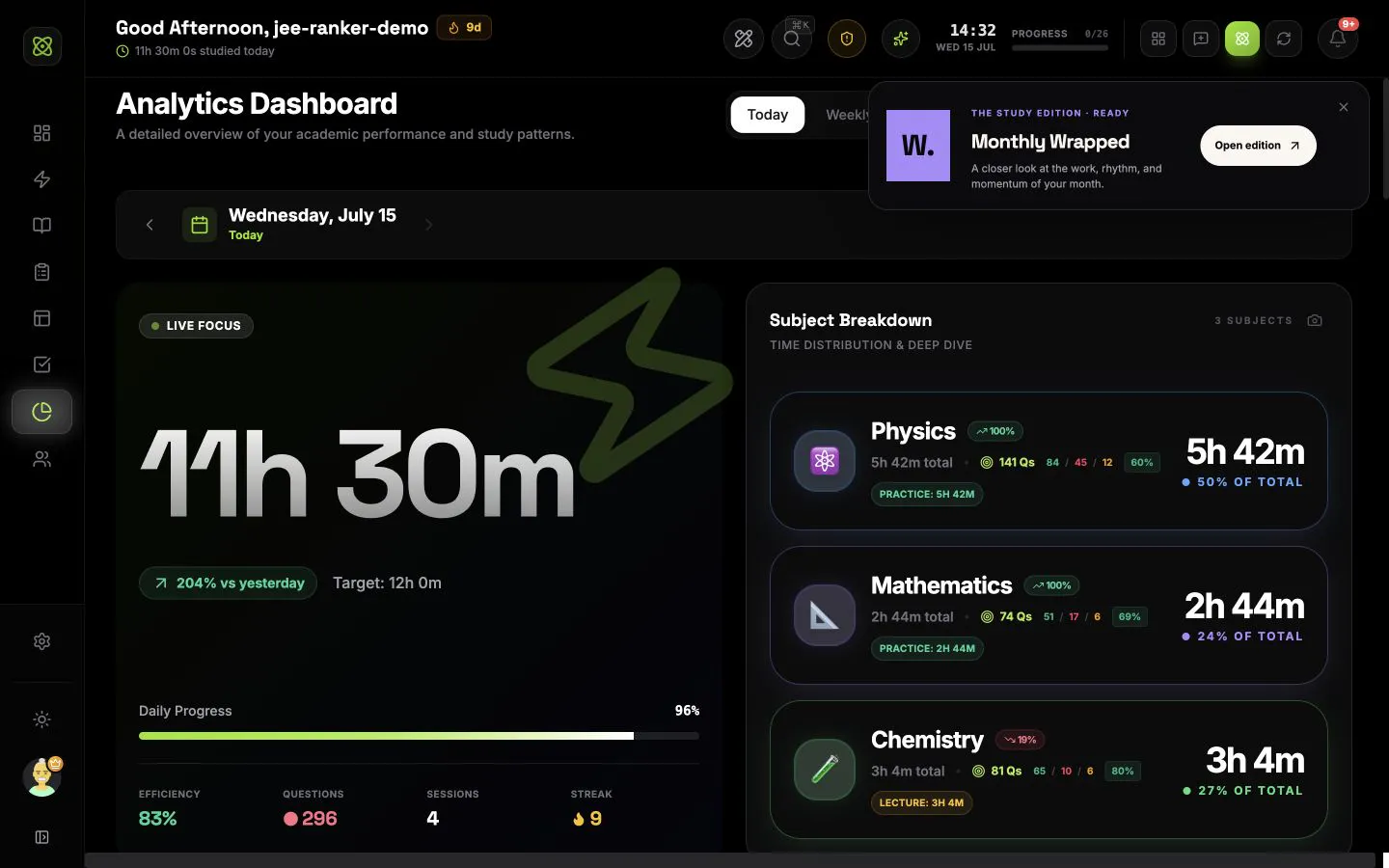
Review time, questions, subjects, chapters, tasks, mocks, focus quality, consistency, session history, and shareable reports without rebuilding your data.
CONNECTED WORKFLOW
See the next useful task, exam pressure, revision signals, and study progress.
Turn chapters, mocks, habits, and revision into work you can schedule and start.
Study with the task, subject, chapter, questions, and session result attached.
Track every subject, chapter, topic, revision date, and weak area in one map.
Connect countdowns, mocks, mapped syllabus, scores, mistakes, and readiness.
Shape the next seven days from real deadlines, coverage, recall, and study history.
Share today with trusted buddies and join exam groups ranked by exact focus time.
COMMON QUESTIONS
Analytics brings together focus sessions, questions, tasks, subjects, chapters, topics, daily logs, exams, and mock tests. It shows study time, consistency, efficiency, question performance, task completion, subject balance, break patterns, and the session history behind those numbers.
Yes. JEE and NEET students can compare study time across subjects, review question accuracy and volume, find weak chapters, track mock-test signals, and see whether the current plan matches the remaining syllabus and exam timeline. The same system works for other exams and custom syllabus structures.
Yes. Completed Focus sessions supply the time, subject, chapter, topic, task type, questions, pauses, efficiency, and productivity information used across Analytics. The Activity Log keeps the individual sessions available for review and editing.
Yes. Today gives a detailed daily view. Weekly, Monthly, and Yearly views show longer patterns, comparisons, consistency, subject distribution, questions, and session history. Period controls let you move backwards and forwards without losing the selected view.
Yes. You can reorder or hide tabs, move supported blocks and cards, change card width and corner radius, choose cinematic, balanced, or compact density, set the page to standard, wide, or edge-to-edge width, and show or hide the IsotopeAI watermark. Changes have a live preview and can be saved, discarded, or reset.
Yes. Question analytics can show attempt volume, targets, accuracy, subject and chapter breakdowns, fatigue by session length, and the time of day when answers are strongest. Exam and mock data can add performance and weak-area context so the numbers lead to better revision decisions.